We use cookies to enhance your experience, provide personalised content, and analyse our traffic; see our Cookie Policy.
openai/gpt-image-2.6-sunburstOpenAI's image model built for dense text and busy layouts
GPT Image 2.6 Sunburst is OpenAI's image generation and editing model released on 4 November 2026, the detail tier of the GPT Image 2.6 line.
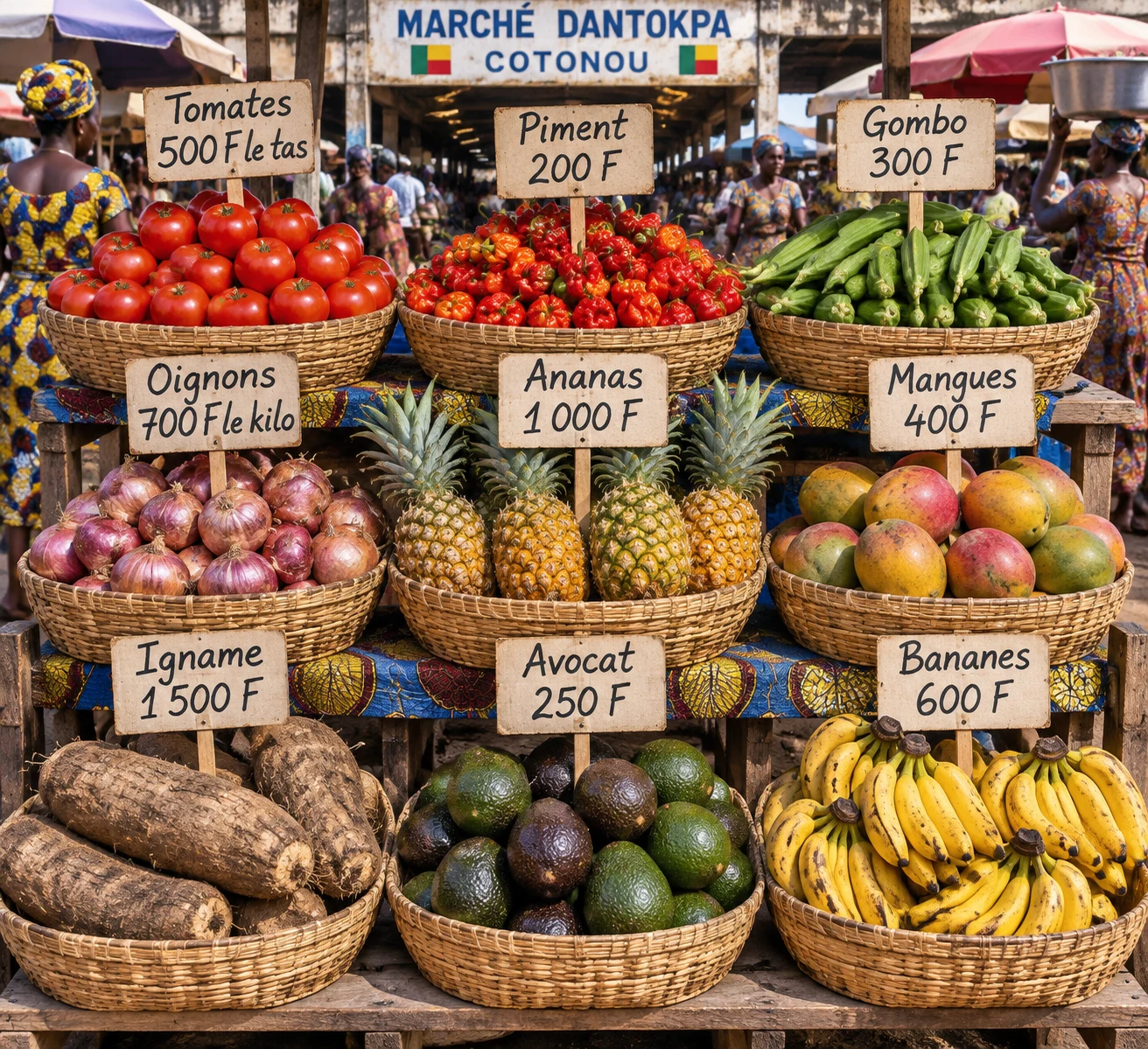
OpenAI positions it as optimised for detail: dense compositions, text-heavy layouts, and edits that keep their details consistent from one pass to the next. It is the model for posters, menus, flyers and packaging where every word has to stay legible. On Tchavi: three formats, five quality levels from low to max, and up to 16 reference images to edit a picture or keep a style.
On Tchavi you pay with mobile money, no card and no KYC. One API key opens 100+ models, images and video included: compare GPT Image 2.6 Sunburst with the others on the same prompt.
Posters, menus, flyers and packaging where on-image text has to stay legible
Details hold steady from one edit to the next, per OpenAI
low and medium to iterate, high to max for the final render
Up to 16 images to edit a picture or keep a style
Generate up to 10 images in a single request
PNG, JPEG, WEBP or GIF, with transparent backgrounds
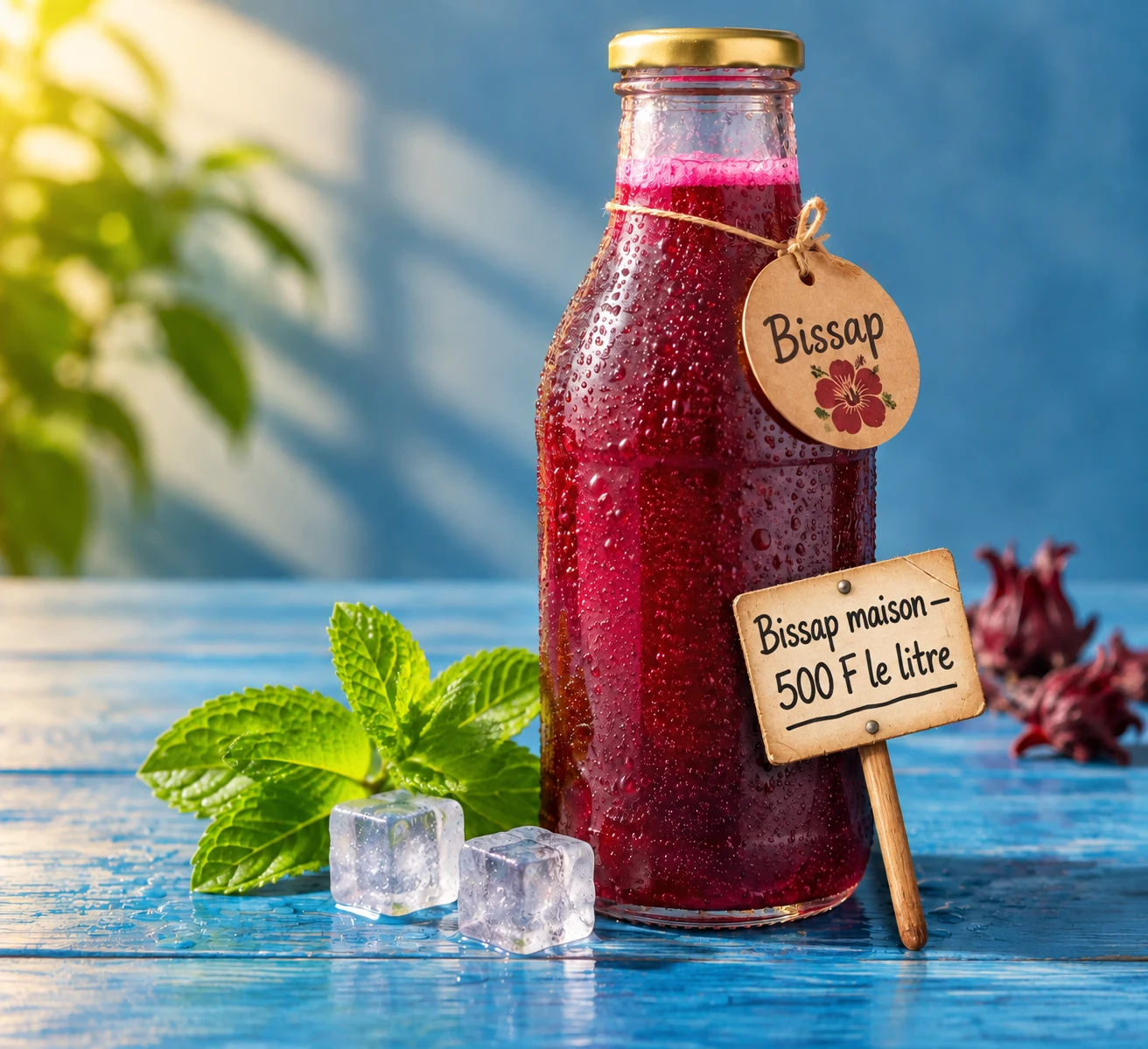
Editing a photo you already have: keep the bottle, the mint and the ice exactly as they are, and add a small handwritten price card on a wooden stick leaning against it, reading « Bissap maison — 500 F le litre », slightly uneven marker handwriting, perfectly legible.
Pick Sunburst for dense, text-heavy layouts — posters, menus, packaging — where details have to hold up from one edit to the next. Pick Flare when you are iterating fast on a prompt or a product shot; OpenAI puts it at about 50% faster.
2.6 Sunburst is the newer release, out 4 November 2026, priced the same as 2.5 Sunburst. Keep 2.5 Sunburst only to reproduce an existing look.
low or medium while you work on the prompt, high for most final renders, xhigh or max when a detail has to be perfect.
Yes: send up to 16 reference images with your prompt. Each one adds 18 credits.
With your Tchavi API key, request an image with model: "gpt-image-2.6-sunburst", your prompt, the size and the quality.
Yes. Top up your Tchavi account with Orange Money, MTN MoMo, M-Pesa or another mobile money operator. No bank card is needed. Credits land as soon as the payment is confirmed and are deducted as you use them.
Yes. Keep your current OpenAI SDK, just change the base URL to Tchavi's (shown in the API tab) and use your Tchavi key. The rest of your code stays the same.
import Tchavi from '@tchavi/sdk';

const client = new Tchavi({ apiKey: 'API_KEY' });

const result = await client.images.generations.create({
  "model": "gpt-image-2.6-sunburst",
  "prompt": "A cute cat wearing a space suit",
  "n": 1,
  "quality": "low",
  "size": "1024x1024"
});

console.log(result.data[0].b64_json);
console.log('Credits used:', result.tchavi.credits_used);Every parameter this model accepts on the API. Check the SDK for full typings.
modelRequiredID of the image model (e.g. `gpt-image-2.6-sunburst`).
promptRequiredText description of the image to generate.
n1Number of images to generate. The maximum depends on the model: up to 10 on GPT Image, 6 on Qwen Image 3, 1 on most others.