We use cookies to enhance your experience, provide personalised content, and analyse our traffic; see our Cookie Policy.
minimax/minimax-h3-imageImages up to 4K, from text or up to 16 references
MiniMax H3 Image is MiniMax's image model. It draws from a text prompt and edits from one to sixteen reference images, at 1K, 2K or 4K, in ratios from 1:3 to 3:1.
Last updated Nov 19, 2026
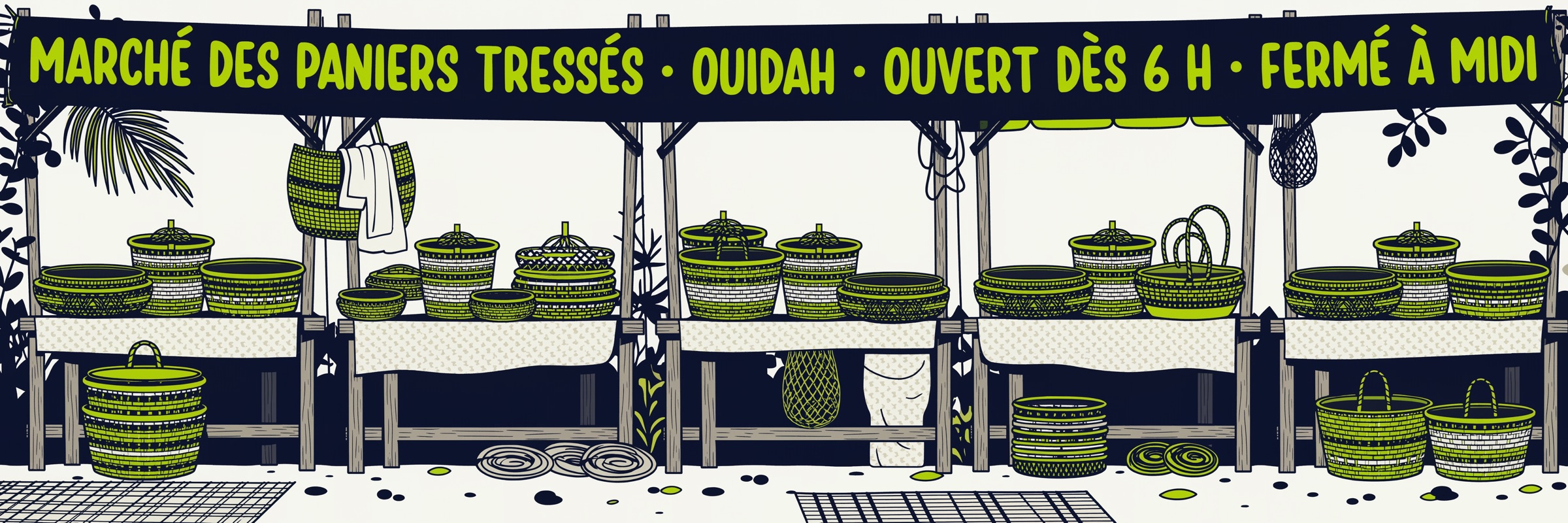
It suits work where the frame matters: tall mobile posters, wide banners, product shots rebuilt from several photos, and campaign sets that must keep one subject across images. Ask for up to ten images in one request.
Through Tchavi you keep one account, one API key and one balance for 100+ models, pay with mobile money, and call it with the same OpenAI-compatible images endpoint you already use. Credits never expire.
Render at 1K, 2K or 4K, up to 20 megapixels
Supply 1 to 16 reference images to edit or compose from
23 ratios from tall 1:3 posters to wide 3:1 banners
Request up to 10 images in a single call
H3 Image goes to 4K and takes up to 16 references, where Qwen Image 3 Pro (model: "qwen-image-3-pro") stops at 2K and 4 references. Pick H3 for large or multi-reference work, Qwen Image 3 Pro for 1K and 2K drafts.
No. Masked edits are not supported and return a 400. Send the image as a reference and describe the change in the prompt instead.
Neither. There is no seed, so the same prompt can give different images, and no transparent background. Ask for a plain colour and cut it out afterwards.
JPG, JPEG, PNG, WEBP, HEIC or HEIF, up to 64 MB each, 128 to 8192 px per side, with a long side at most four times the short side.
Use your Tchavi key on the images endpoint with model: "minimax-h3-image", and set resolution to 1K, 2K or 4K. The prompt can be up to 32,000 characters. Images come back as base64.
Yes. Top up your Tchavi account with Orange Money, MTN MoMo, M-Pesa or another mobile money operator. No bank card is needed. Credits land as soon as the payment is confirmed and are deducted as you use them.
Yes. Keep your current OpenAI SDK, just change the base URL to Tchavi's (shown in the API tab) and use your Tchavi key. The rest of your code stays the same.
import Tchavi from '@tchavi/sdk';

const client = new Tchavi({ apiKey: 'API_KEY' });

const result = await client.images.generations.create({
  "model": "minimax-h3-image",
  "prompt": "A cute cat wearing a space suit",
  "n": 1,
  "quality": "standard",
  "size": "1024x1024"
});

console.log(result.data[0].b64_json);
console.log('Credits used:', result.tchavi.credits_used);Every parameter this model accepts on the API. Check the SDK for full typings.
modelRequiredID of the image model (e.g. `minimax-h3-image`).
promptRequiredText description of the image to generate.